
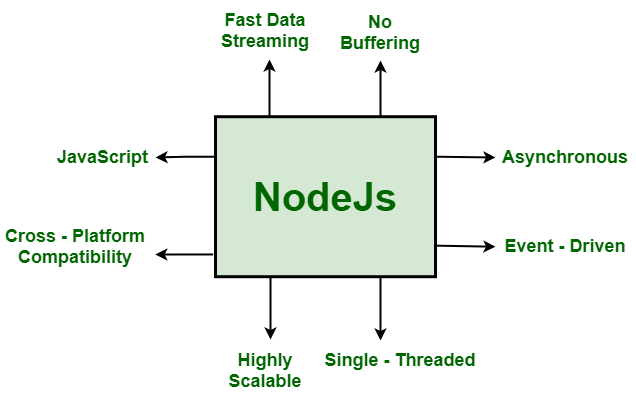
Node.js is a familiar term for developers that they can’t ignore. In 2025, over 6.3 million websites run on Node.js, such as Netflix, PayPal, and LinkedIn. According to Stack Overflow’s Developer Survey, Node.js is a widely used technology among the top 5 in the world. Furthermore, the key point that makes it different is that it can perform functions for both the frontend & backend. It is used for making server applications using JavaScript. Also, the YouTube backend process and chat apps like WhatsApp work on Node.js. Even the popularity of Node.js is due to the following features, as mentioned below.
Why is Node.js so popular?
- It is super fast in performance(works on Chrome’s fast V8 engine).
- It has a massive npm(Node Package Manager) ecosystem.
- It has non-blocking I/O(can handle multiple tasks at once).
- It has JavaScript for both the frontend (browser) and backend (server).
In this Node JS Tutorial, we will discuss all the points required to start Node.js from its basics to building your first simple web server.
Introduction: What is Node.js?
Node.js is a runtime environment that runs JavaScript code outside of a browser, usually on a server. It built upon Chrome’s fast V8 engine and performs JavaScript for both the frontend and backend. In this, you can run JavaScript on a computer or a server – it means you can build different things like:
- Web servers
- APIs
- Command-line tools
- Real-time apps like chats and games
Download and Install Node.js
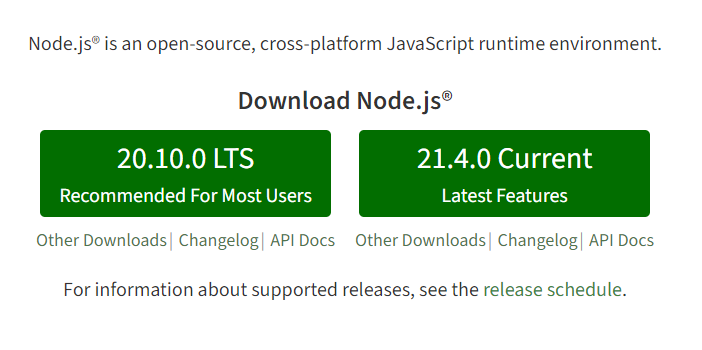
Before starting the code, you need to install it. For the installation, you must visit nodejs.org and install the LTS(Long-Term Support) version. It ensures stability and compatibility with most libraries.
After that, you can confirm your installation by opening a terminal or command prompt and typing:
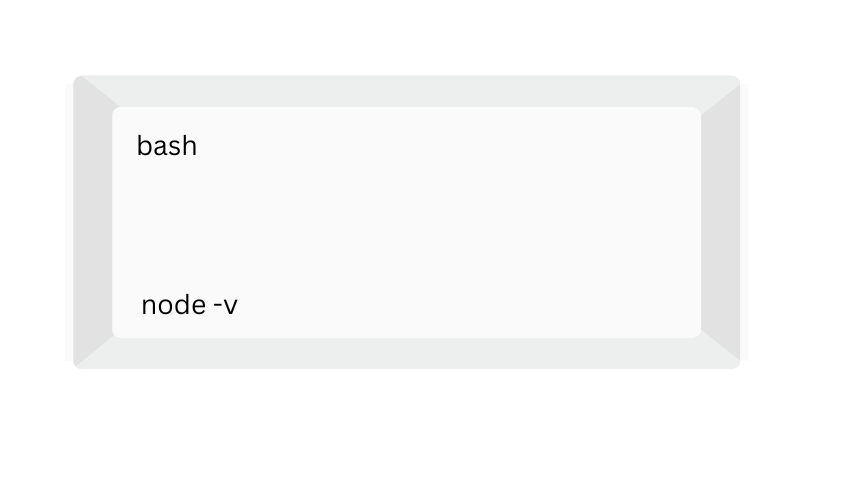
You will see something similar to this:
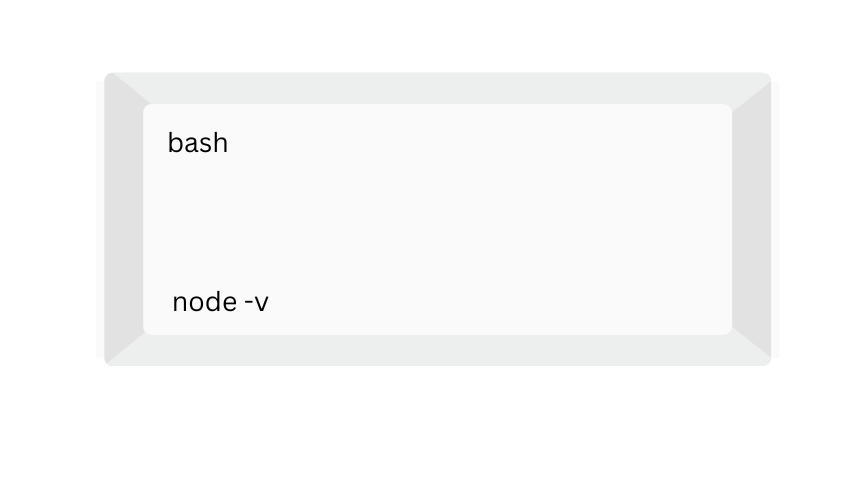
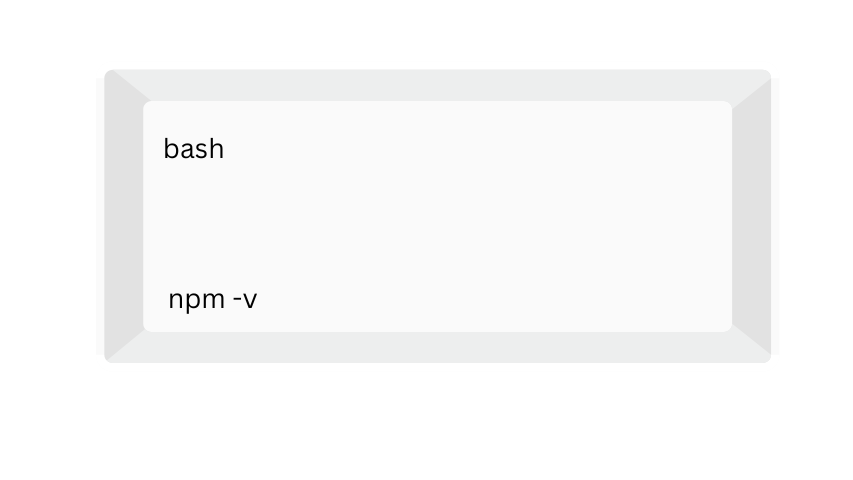
This will confirm the installation of Node JS in your computer or laptop. If you want to know the node version, you can repeat the above command. Also, you can check the npm version as:
My First Node JS App: Beginner Friendly
For this, I had followed the basic steps as given below:
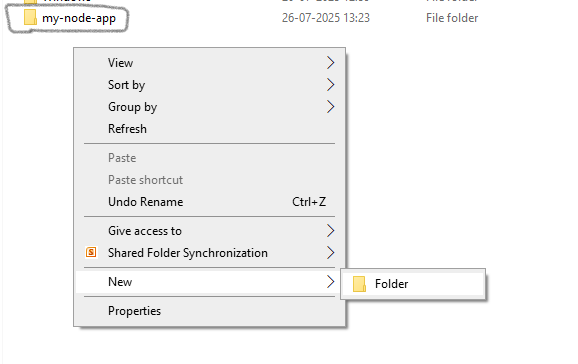
Initially, we should create a folder (eg, my-node-app).
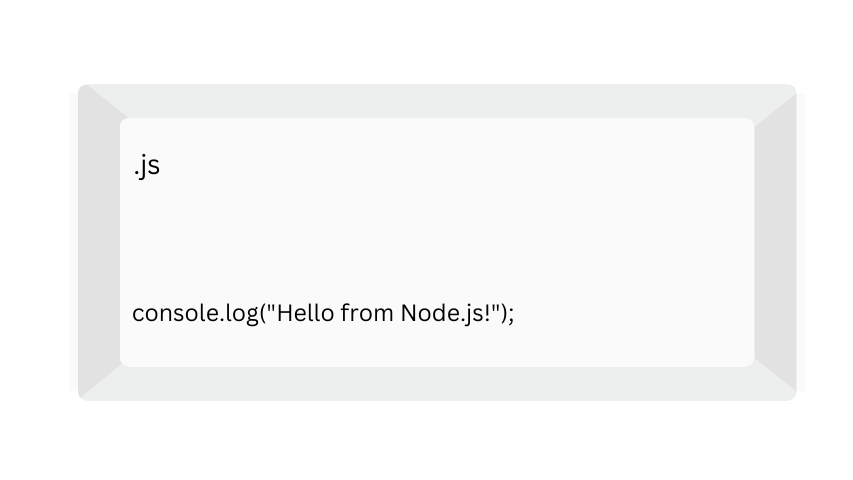
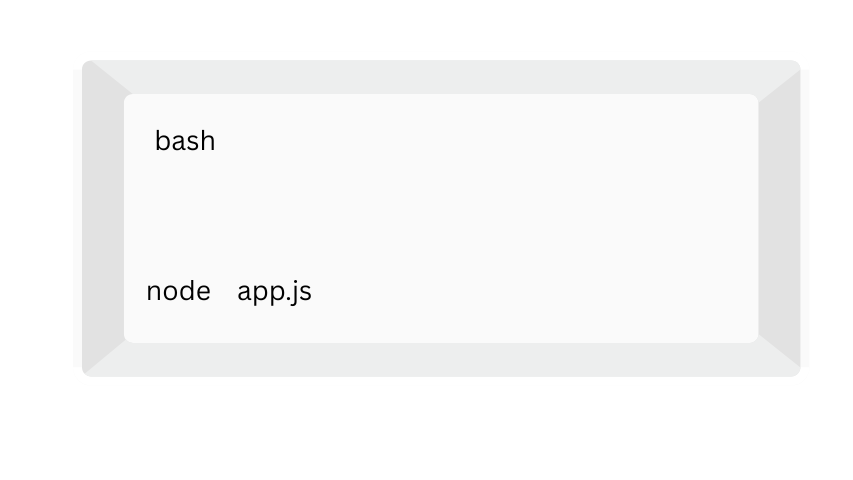
Then, create a file named app.js with this code as shown:
Run it using your terminal:
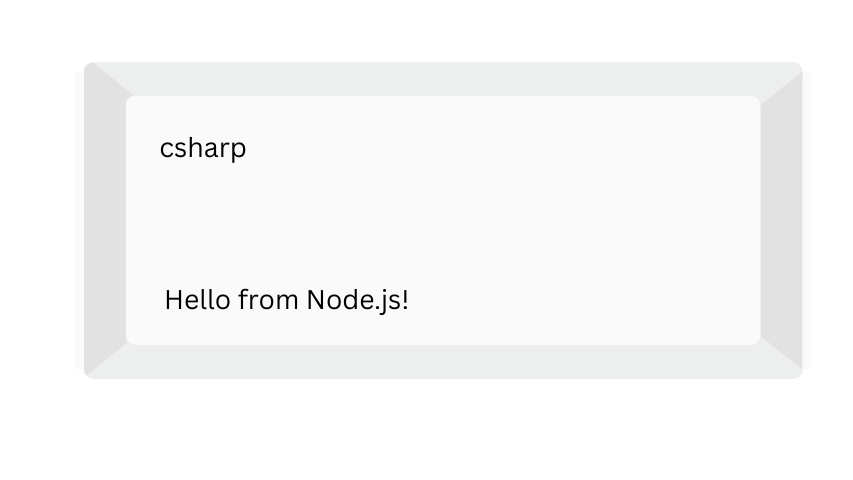
Output:
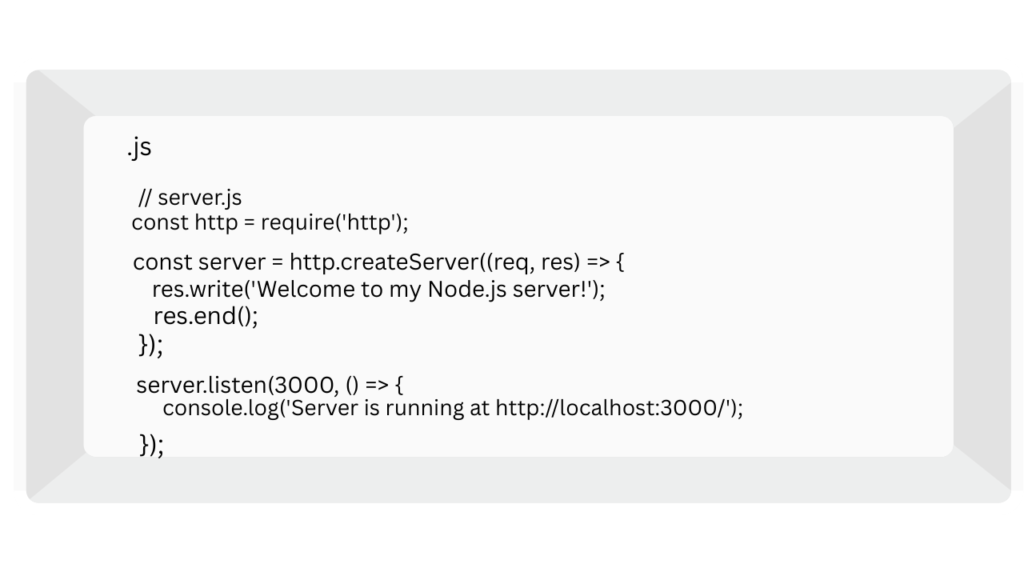
How to Create a Web Server?
You can also create a simple web server using the given code shown in the image below.
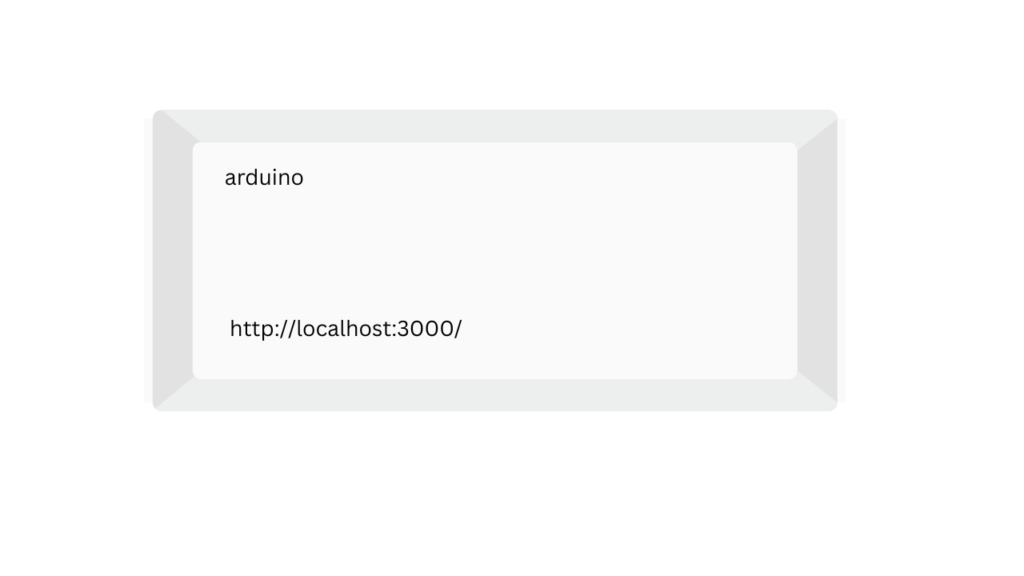
Run it in this terminal:
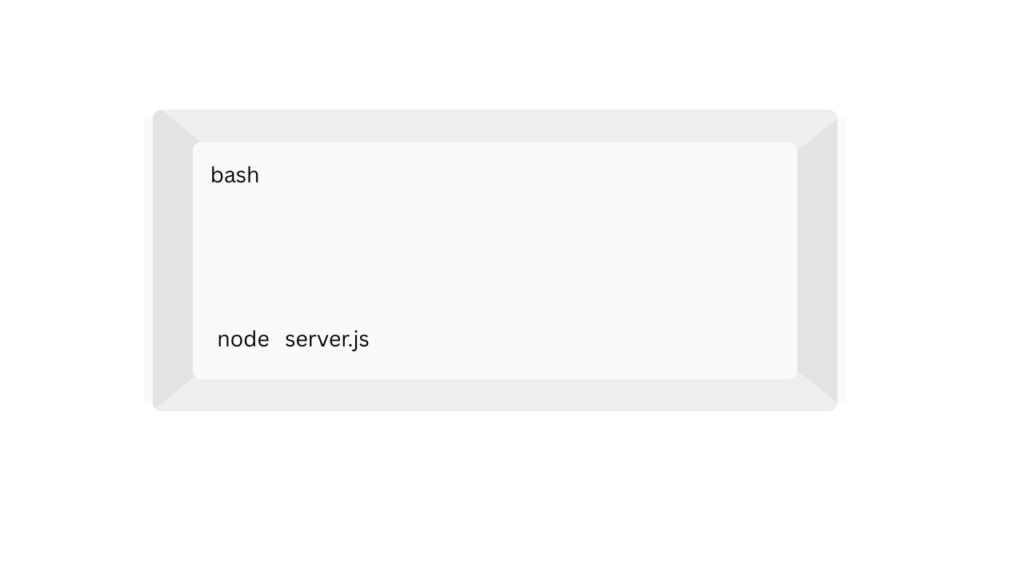
Then, open a browser and go to:
What is NPM?
NPM = Node Package Manager
It installs the ready-made packages like tools & libraries, and also helps in managing your projects.
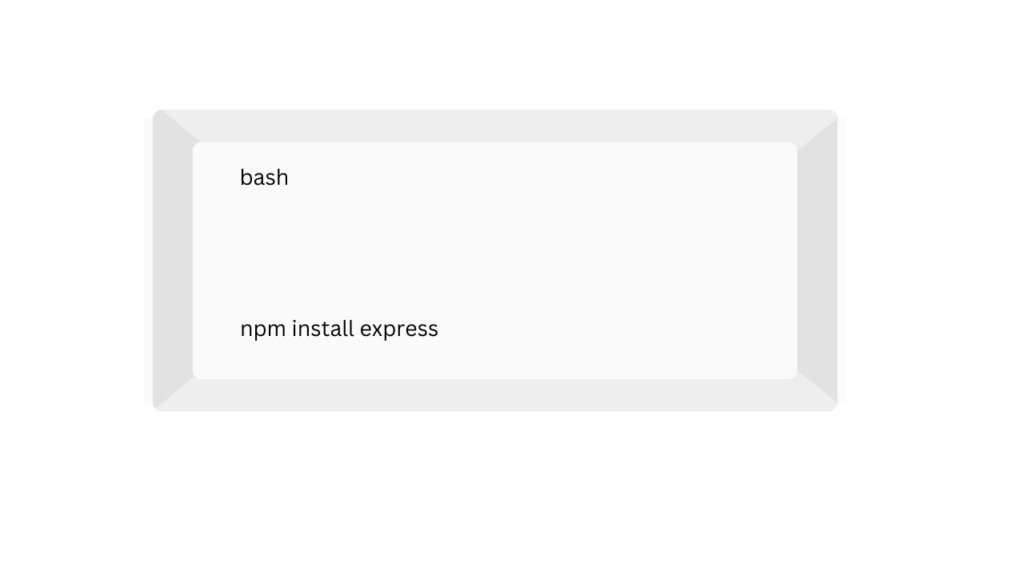
You can also install a popular framework called Express.
Node.js vs Express: What’s the Difference?
In the backend development, you frequently come across the terms: Nodejs & Express. Even these two are used together, but they have different roles in web development:
What is Node.js?
Nodejs: as mentioned in the intro part.
What is Express?
Express: It is a minimal and flexible web application framework that is built on top of Node.js. It provides you with a clean, structured way to build web applications, APIs, and services.
-> Express is used as a toolkit that simplifies the hard work of building servers in Node.js.
Benefits of Express in Node.js
- It provides easy routing and also defines paths like
/home,/login, etc. - It adds up to middleware handling that is already built-in.
- It also manages the request and response objects.
- It works perfectly with other tools like MongoDB, React, and Angular.
| Feature | Node.js | Express |
|---|---|---|
| Type | Runtime Environment | Web Framework |
| Purpose | Executes JavaScript server-side (acts like a nodejs compiler) | Simplifies app creation using Node.js |
| Built With | JavaScript, C++, Google’s V8 Engine | JavaScript (on top of Node.js) |
| Server Creation | Requires manual setup using http module | Offers easy-to-use APIs for routing and server setup |
| Middleware | Needs to be manually implemented | Built-in middleware support for processing requests |
| Routing | Handled manually | Intuitive and expressive routing system |
| Ease of Use | More boilerplate and setup | Developer-friendly, less setup required |
| Use Case | General server-side scripting, custom backend tools | REST APIs, web applications, middleware-based projects |
Bonus Insight: Nodejs vs ReactJS
| Area | Node.js / Express | ReactJS |
|---|---|---|
| Runs On | Server | Browser |
| Purpose | Handles data, routing, and APIs | Builds interactive user interfaces (UI) |
| Language | JavaScript (server-side) | JavaScript (client-side, using JSX) |
| Common Use | REST APIs, backend logic, real-time servers | Single-page apps, UI components, frontend logic |
| Interaction | Works with databases, file systems | Interacts with backend via APIs (often Node/Express) |
Conclusion
In this blog, it equips basic intro & knowledge about NodeJS. It also verifies your basic setup steps and guides you through them as you proceed. It also includes the steps required to craft your simple server and even check the node version. After that, the basic definition and knowledge mentioned above regarding Node.js, Express, and React.js. In addition, a brief comparison between them is also mentioned. It even includes the common use, interaction, purpose, and language comparisons.
Leave a Reply